

Role
Lead product designer
Timeline
2022 - 2025
Ownership
UX vision and interaction model
End-to-end experience definition and UI direction
Product trade-offs and implementation alignment
Translated technical constraints into scalable UX decisions
Responsibilities
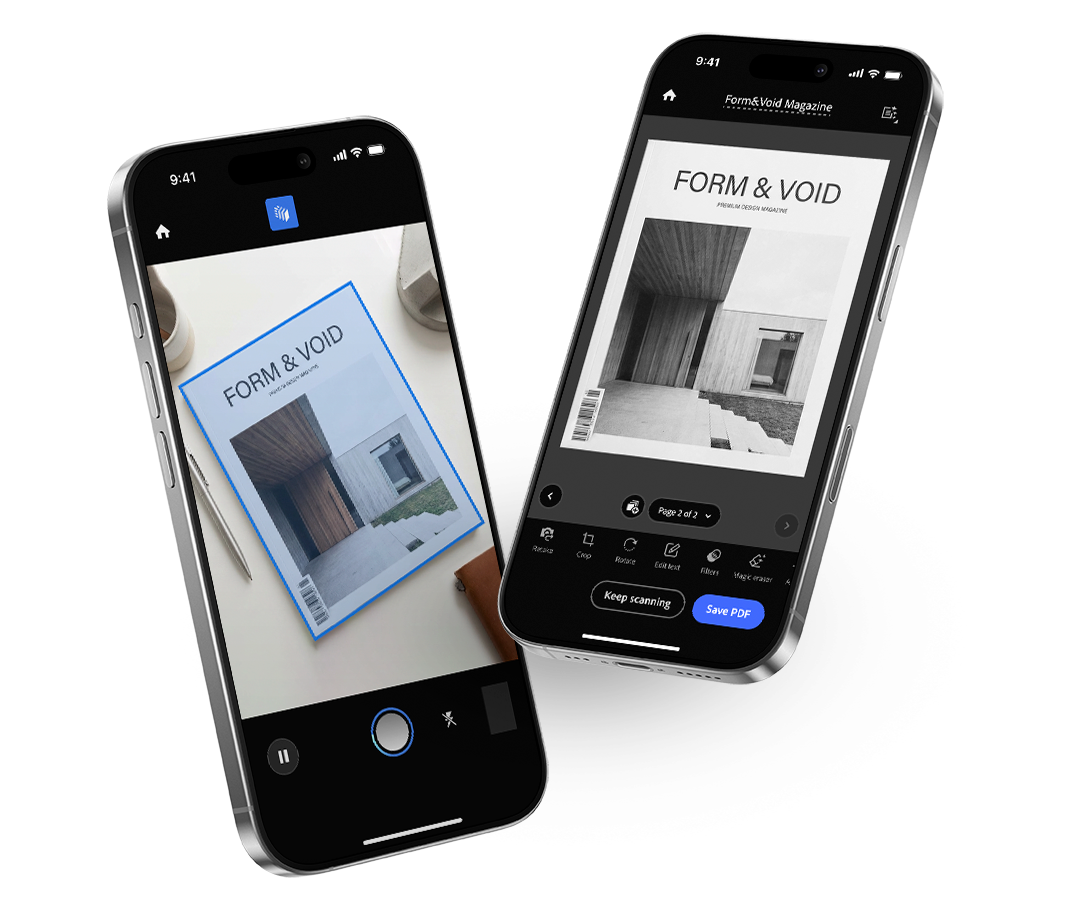
Led the core capture and scanning experience
Defined AI-assisted and bulk-scan interaction patterns
Drove UX strategy across key features
Worked with PM and Eng to balance usability and performance
Context & Problem
Adobe Scan is used by over 100M users to capture documents in real-world, often imperfect conditions.
As user needs evolved, the scanning flow became slower and more fragmented.
Mobile Usability
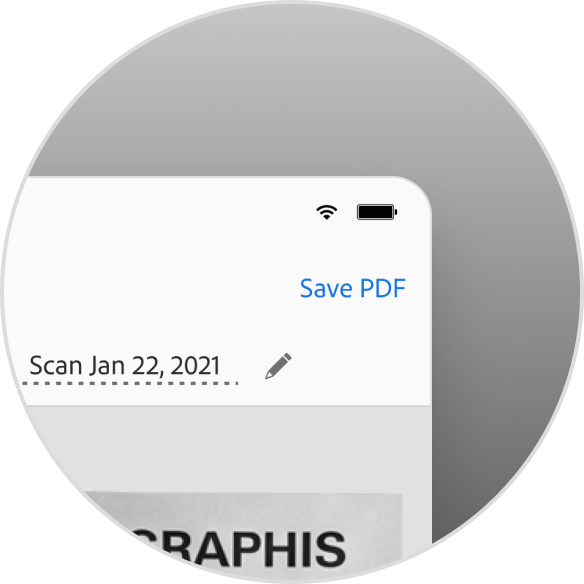
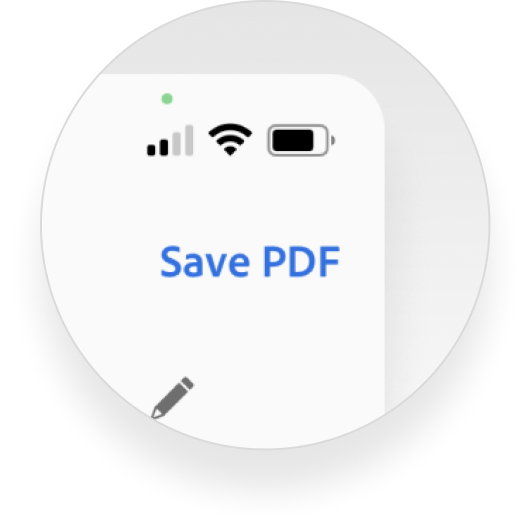
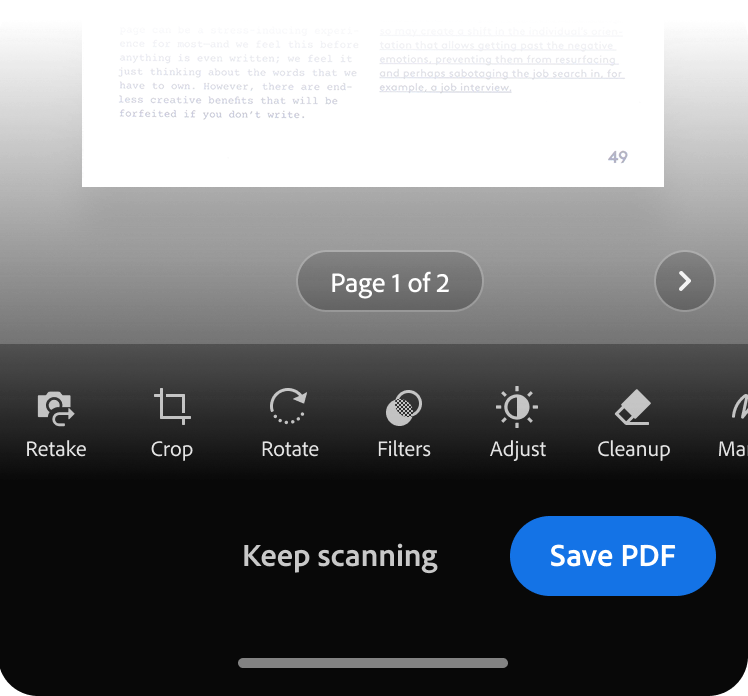
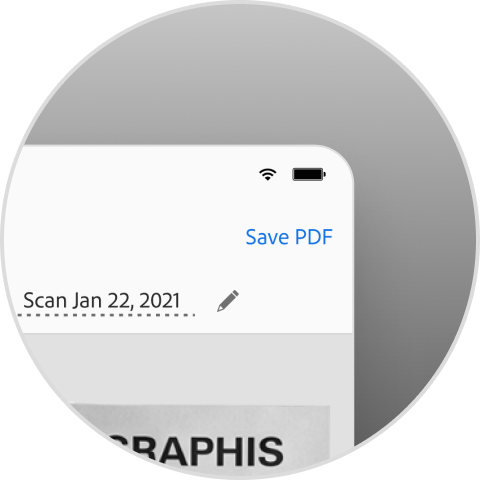
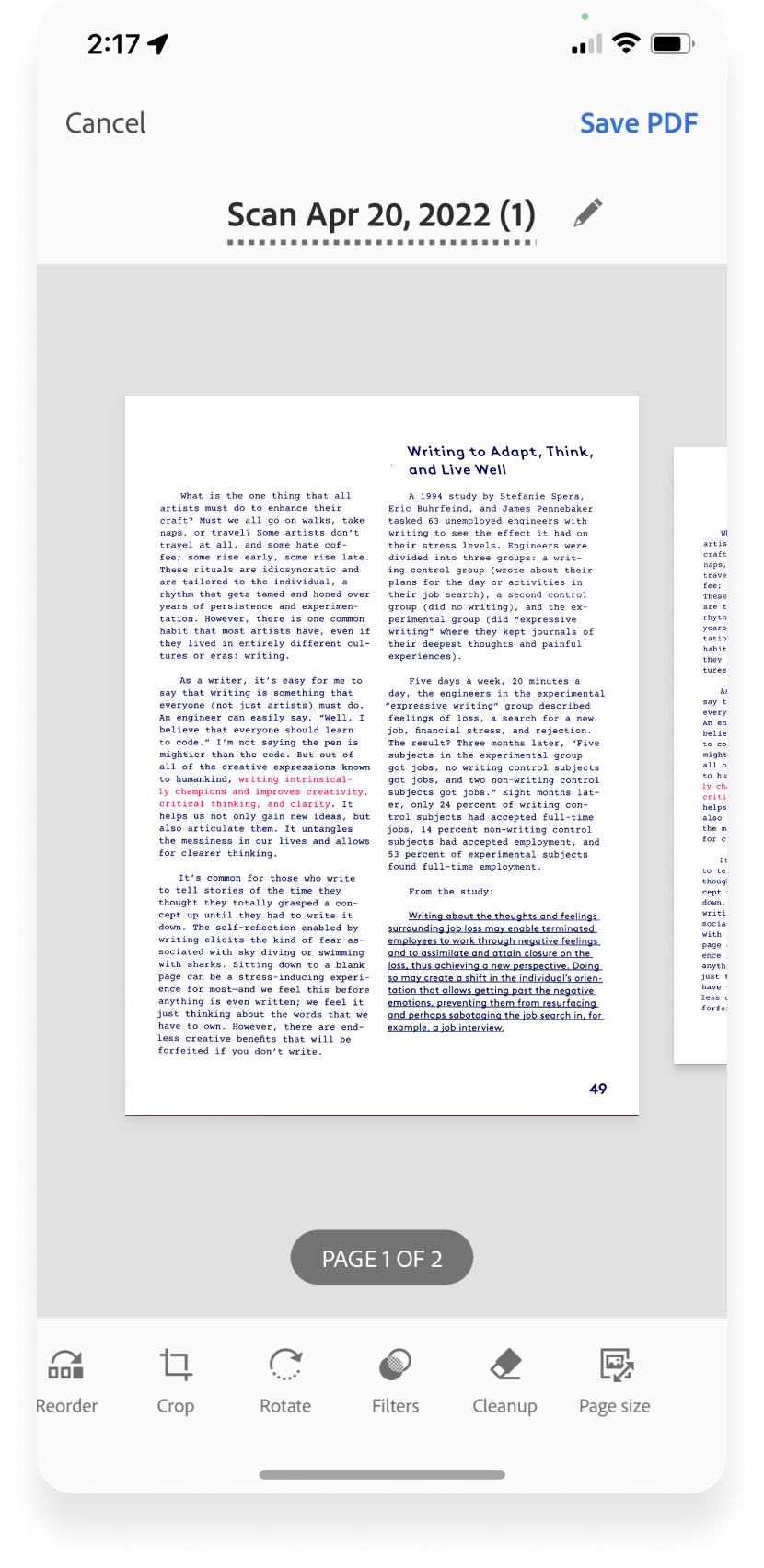
Primary actions were placed in the top bar, making one-handed use slower and less comfortable during capture and review. This added friction to frequent, time-sensitive actions.
Multi-page Scanning
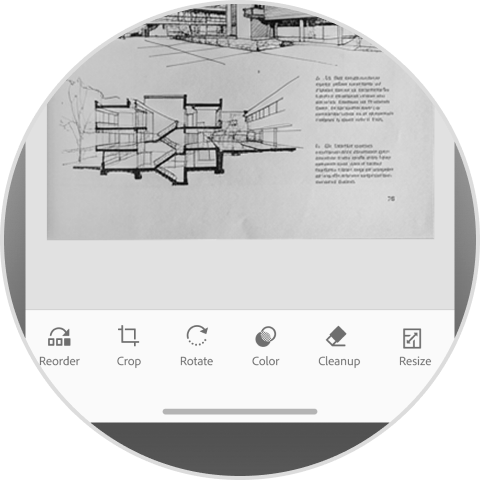
The flow wasn’t optimized for multi-page scanning, despite growing demand. Over 30% of users scanned three or more pages, yet the experience remained tuned for single-page use.
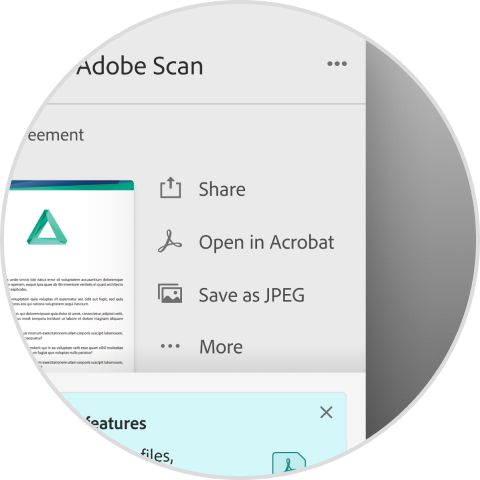
Fragmented Editing
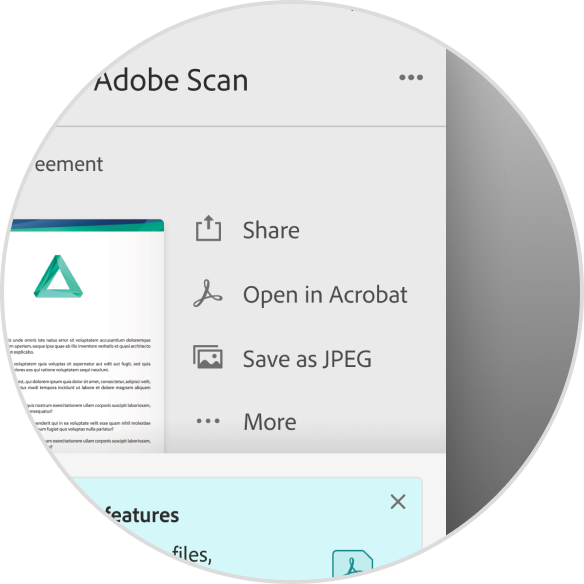
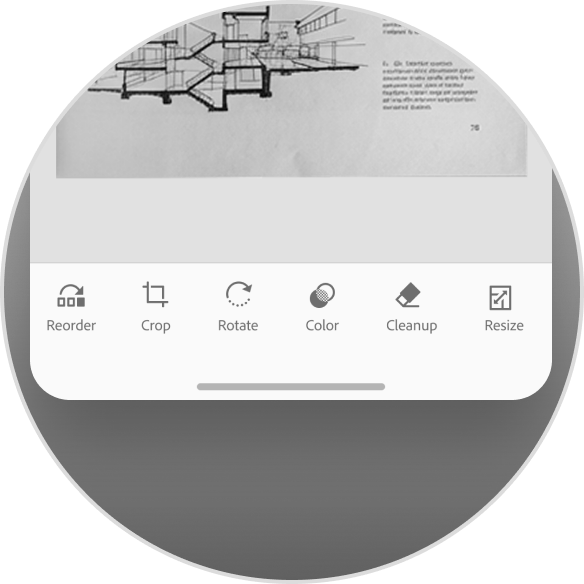
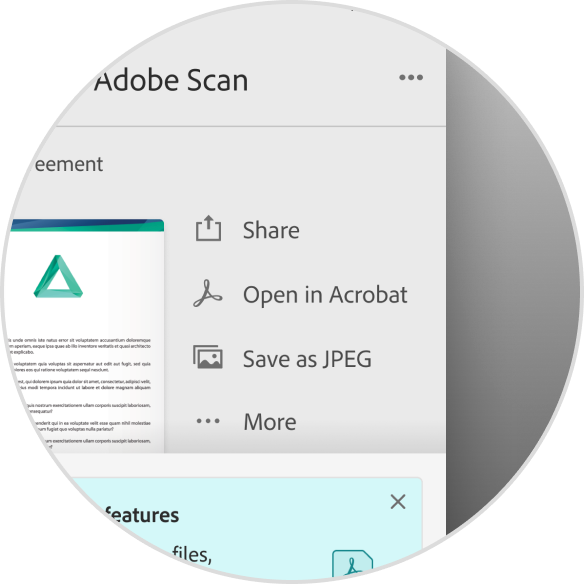
Editing a scanned PDF required switching to Acrobat and returning to Scan. This broke the flow and introduced unnecessary friction during common post-scan tasks.
Insights
Speed Is Shaped by Interaction
Action placement directly impacts speed, comfort, and confidence on mobile.
Scanning Isn’t Just One Page
Scanning has evolved into multi-page tasks, not single captures.
Editing Is Part of the Flow
Breaking the flow to edit elsewhere disrupts completion and momentum.
Design Principles
Proximity Over Reach
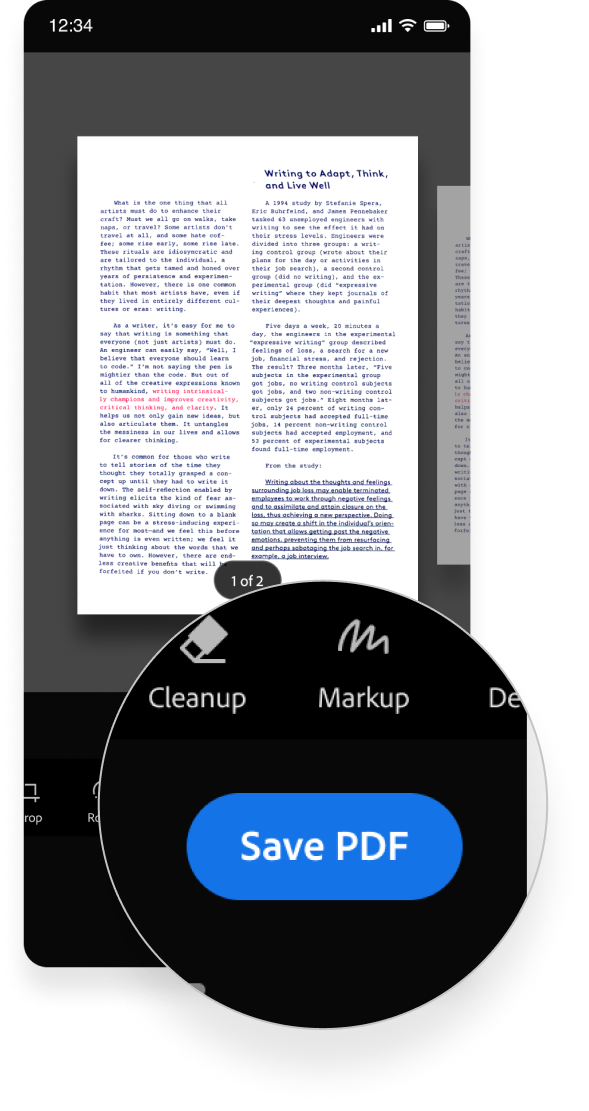
Place primary actions close to where attention and hands already are.

Continuity Builds Momentum
Treat scanning as a continuous experience rather than a series of discrete steps.

Focus Preserves Flow
Preserve user focus by minimizing unnecessary shifts in tools or mental state.

These principles guided how we restructured the capture and scanning experience.
From Principles to Decisions
Each principle informed concrete design decisions across the scanning experience.
Proximity Over Reach
Before
After
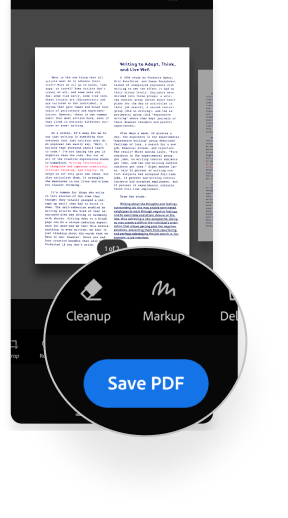


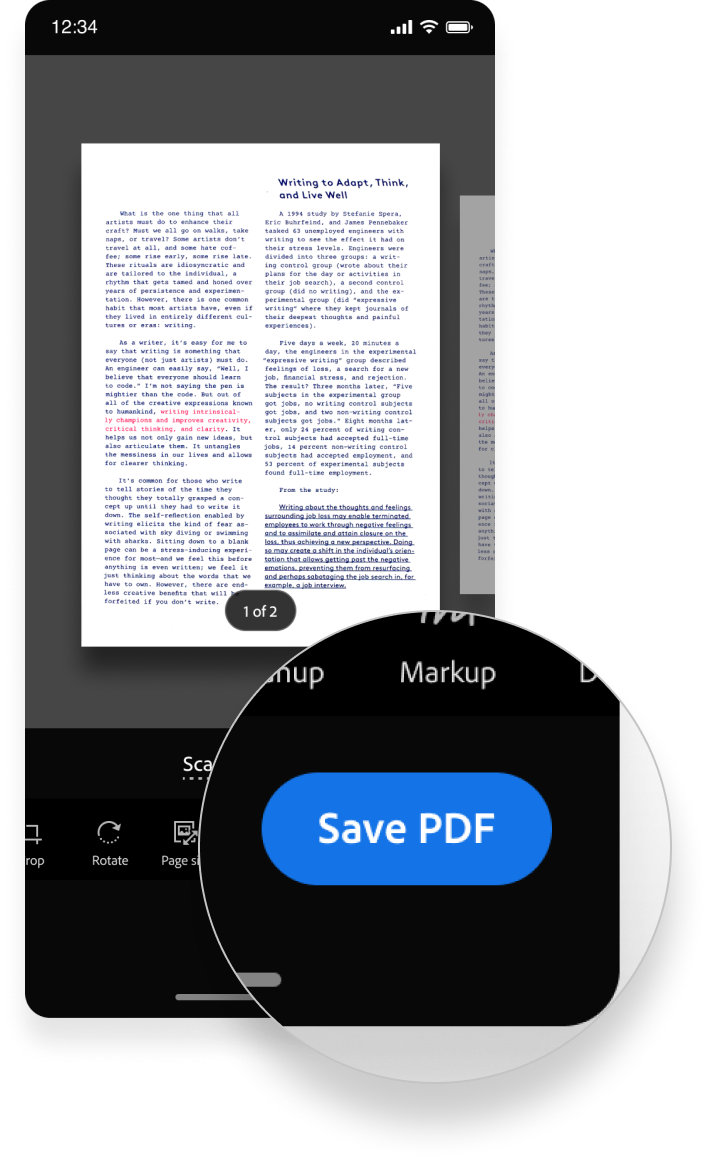
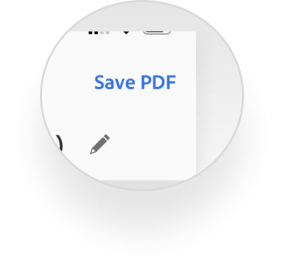
Placing the primary CTA within thumb reach significantly improved save completion
+8 pp
save rate
89% → 97%

42%
Fast save completion
within 30 seconds
Continuity Builds Momentum
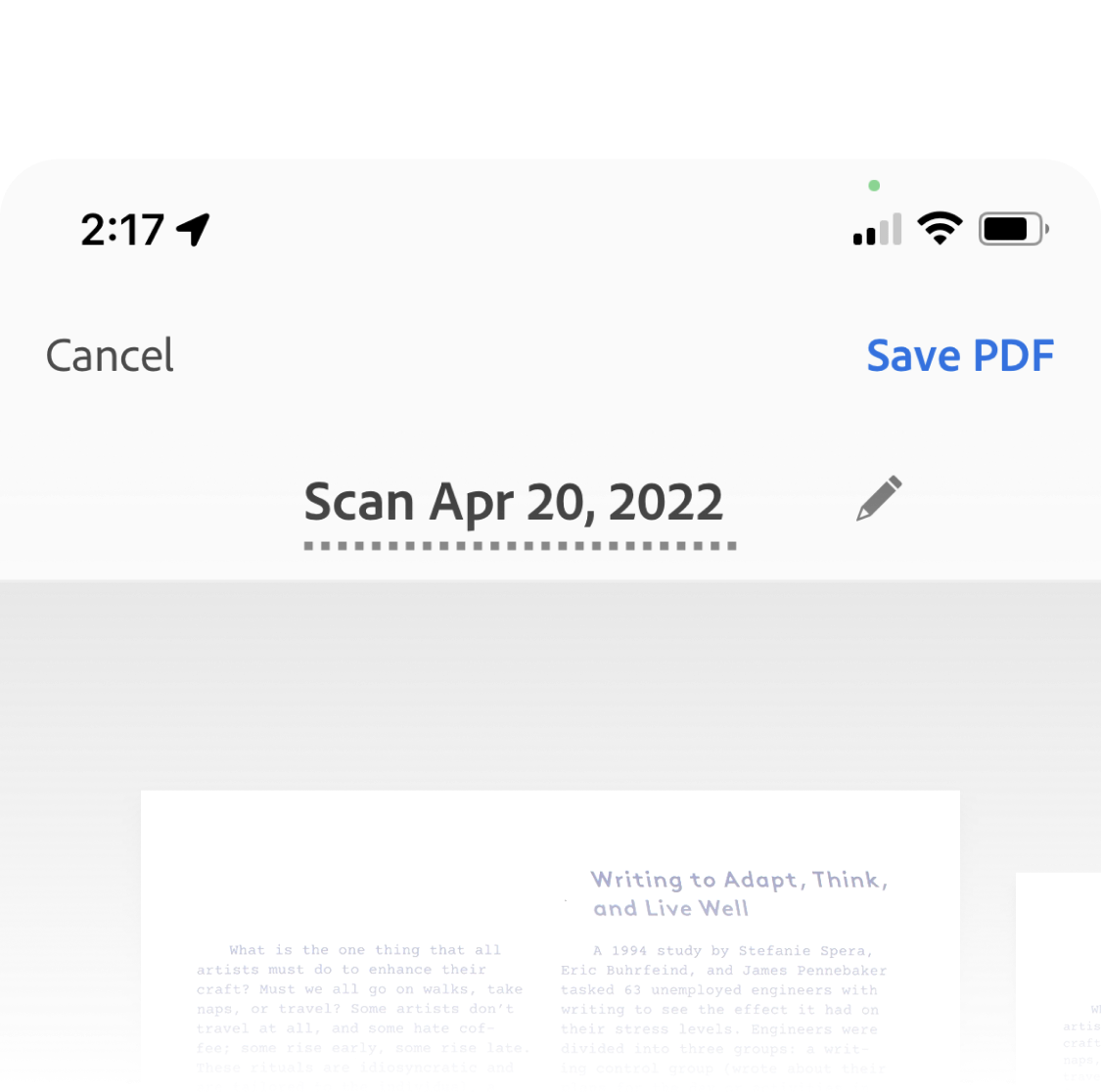
Before
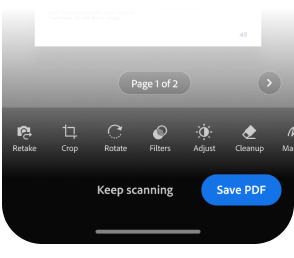
After


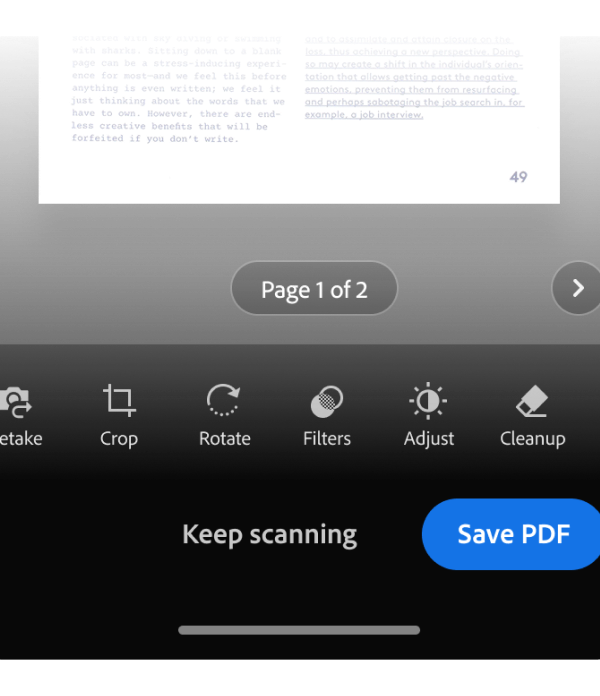
As multi-page scanning became more common, replacing “Cancel” with a clear affordance to add pages helped users maintain momentum and complete their workflow.
+7.1 pp
Multiple-page scanning
57.2% → 64.3%
Focus Preserves Flow
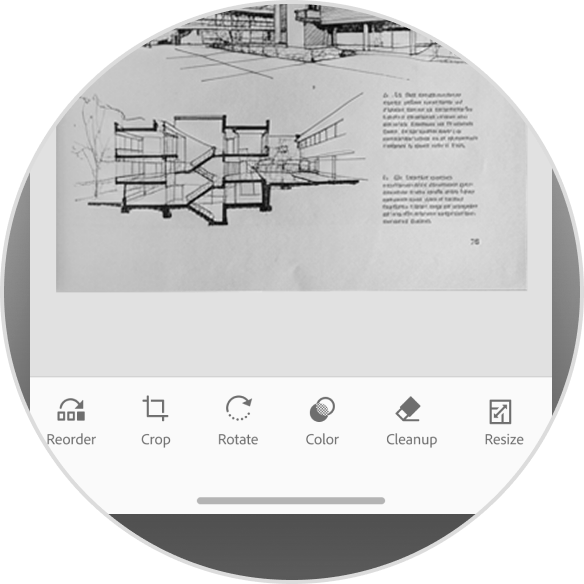
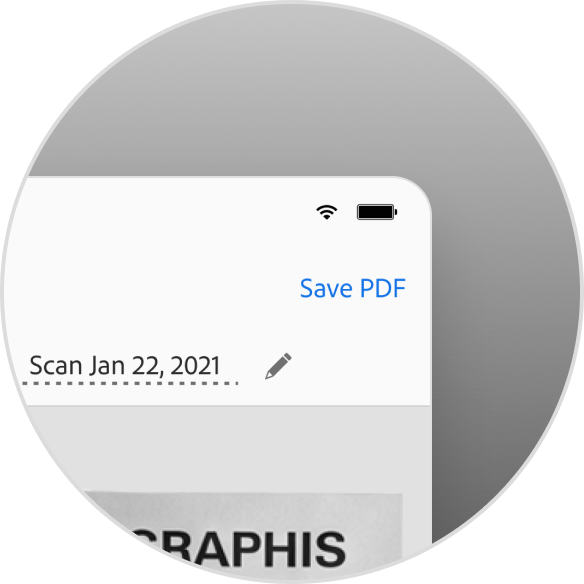
By bringing text editing directly into the scanning flow, users could review and edit documents without breaking context—preserving focus and increasing completion across post-scan tasks.
Impact at Scale
Transforming Adobe Scan from a utility tool into a continuous document workflow.
+93% YoY
NNARR growth
Driven by in-flow editing and High-speed Scan
#1 Scanning App
of 2025
The New York Times & TechRadar
37M
Monthly Active Users
All-time high
Reflection
Adobe Scan was a strong example of what’s possible when design, product, and engineering operate as a true team. Working closely across disciplines allowed us to move quickly, stay grounded in real user needs, and ship meaningful improvements at scale.
Given more time, I’d continue exploring:
- Proactive AI suggestions that anticipate user intent
- Automated organization driven by document content
- Adaptive UI for challenging capture conditions
These represent natural next steps toward a more intelligent, context-aware scanning experience.